 Reference
01
Bring your visual direction.
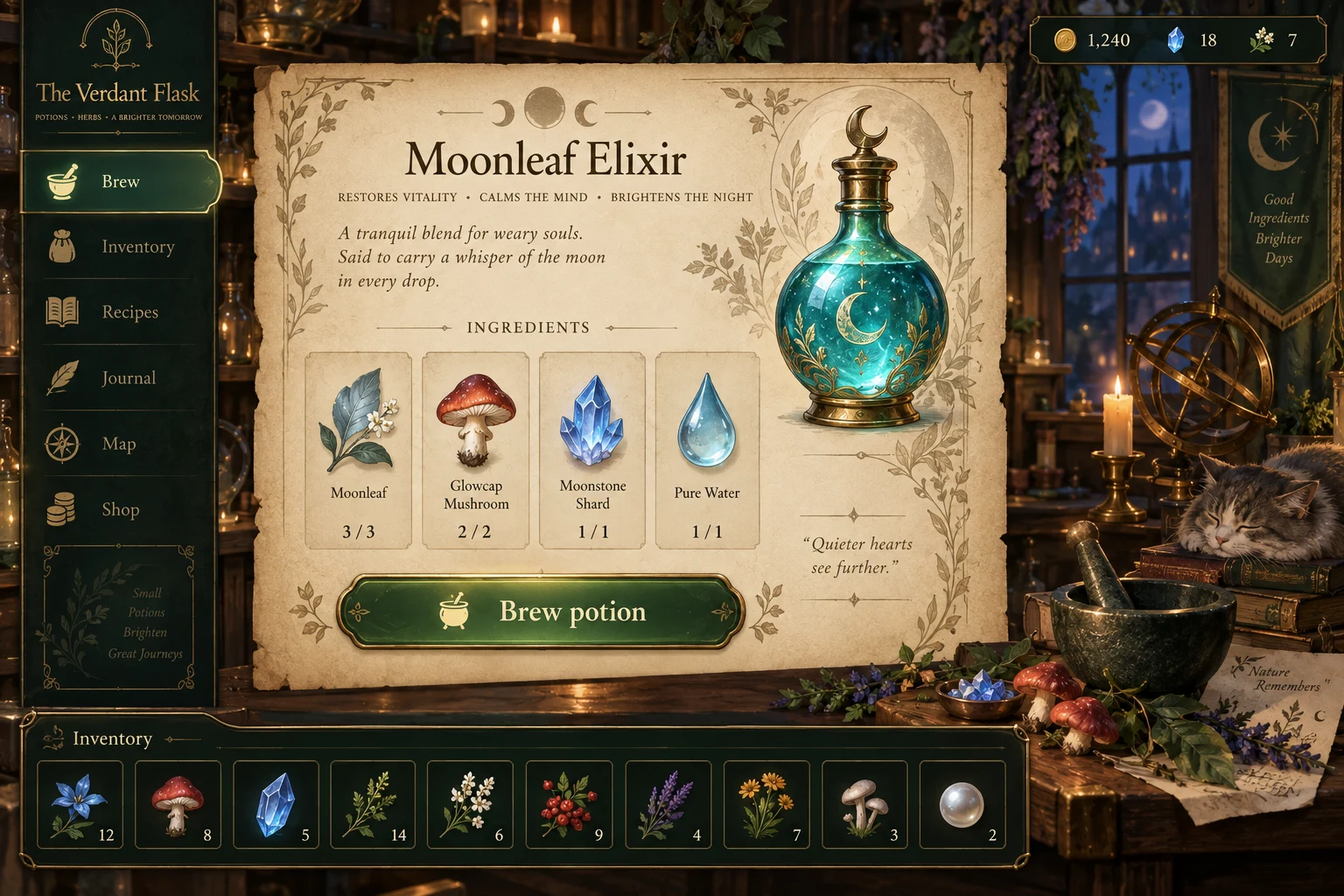
Start with a reference, a mockup, or an AI-generated image. Use it to shape the look of your game’s interface.
Built for game UI
Turn your visual ideas into editable screens, reusable components, and UI kits ready for your next build.
Create a free account. Explore the canvas in your browser.
A closer look / 20-second tour
See how a single piece of artwork becomes a flexible part of your game UI.
Set the slice boundaries that separate the corners, edges, and center of your frame.
Try it in the editor Animated feature illustration using demo assets.Craft behind the canvas
SliceForge is shaped by a professional designer with two decades in the video game industry. Try the interactive editor demo to explore the workflow before creating an account.
Meet the story behind SliceForgeThe SliceForge community
Bring your work, share feedback, and talk product direction with the team on Discord.
Join the conversation01 / The workflow
Keep your visual direction intact as you move from a reference to the details your game needs.
Follow a visual reference through editable pieces, button states, and a kit ready for handoff.
ReferenceStart with a reference, a mockup, or an AI-generated image. Use it to shape the look of your game’s interface.
 Compose
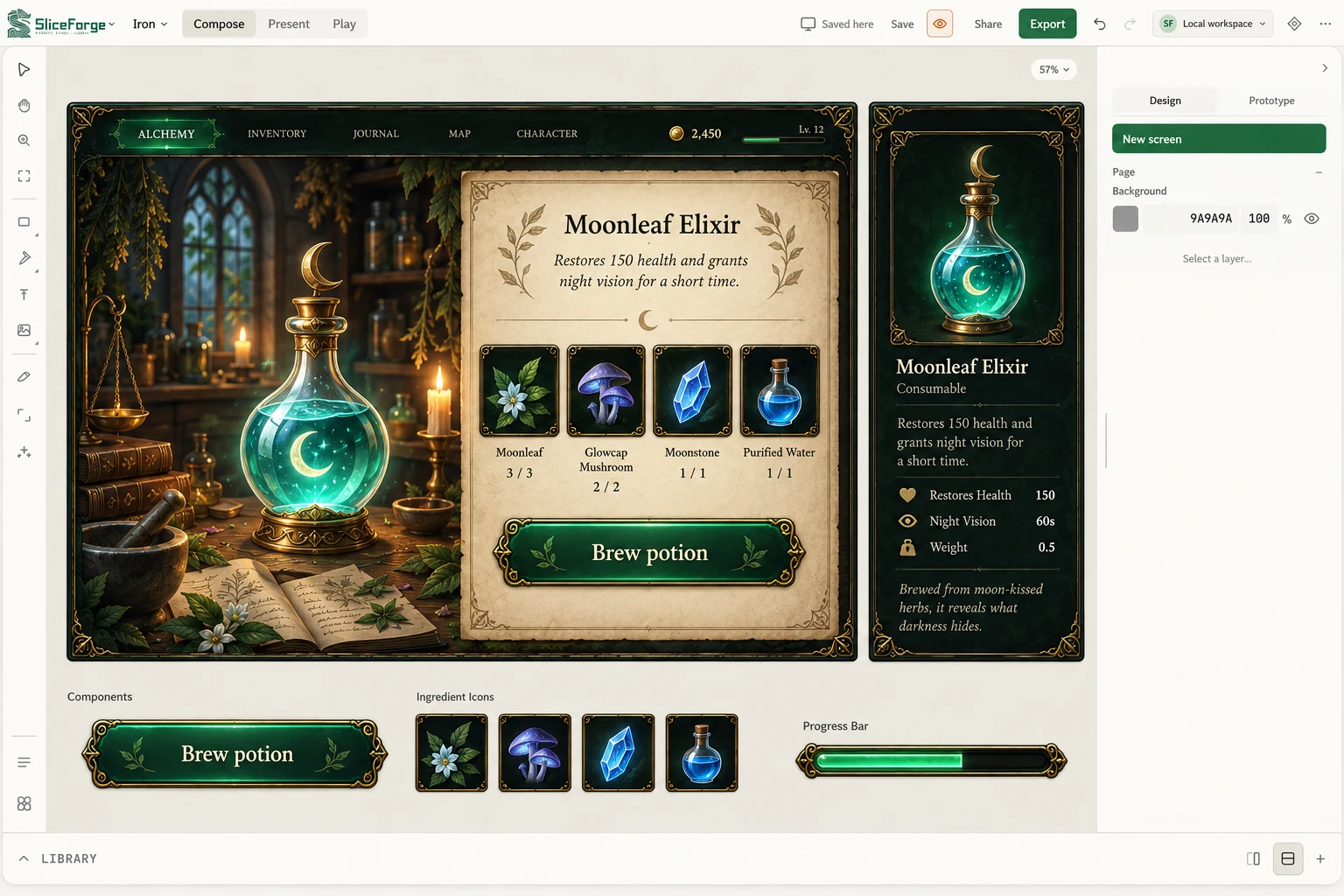
Arrange screens in Compose. Refine layers, size your frames, and wire button states into a flow you can preview.
 Handoff
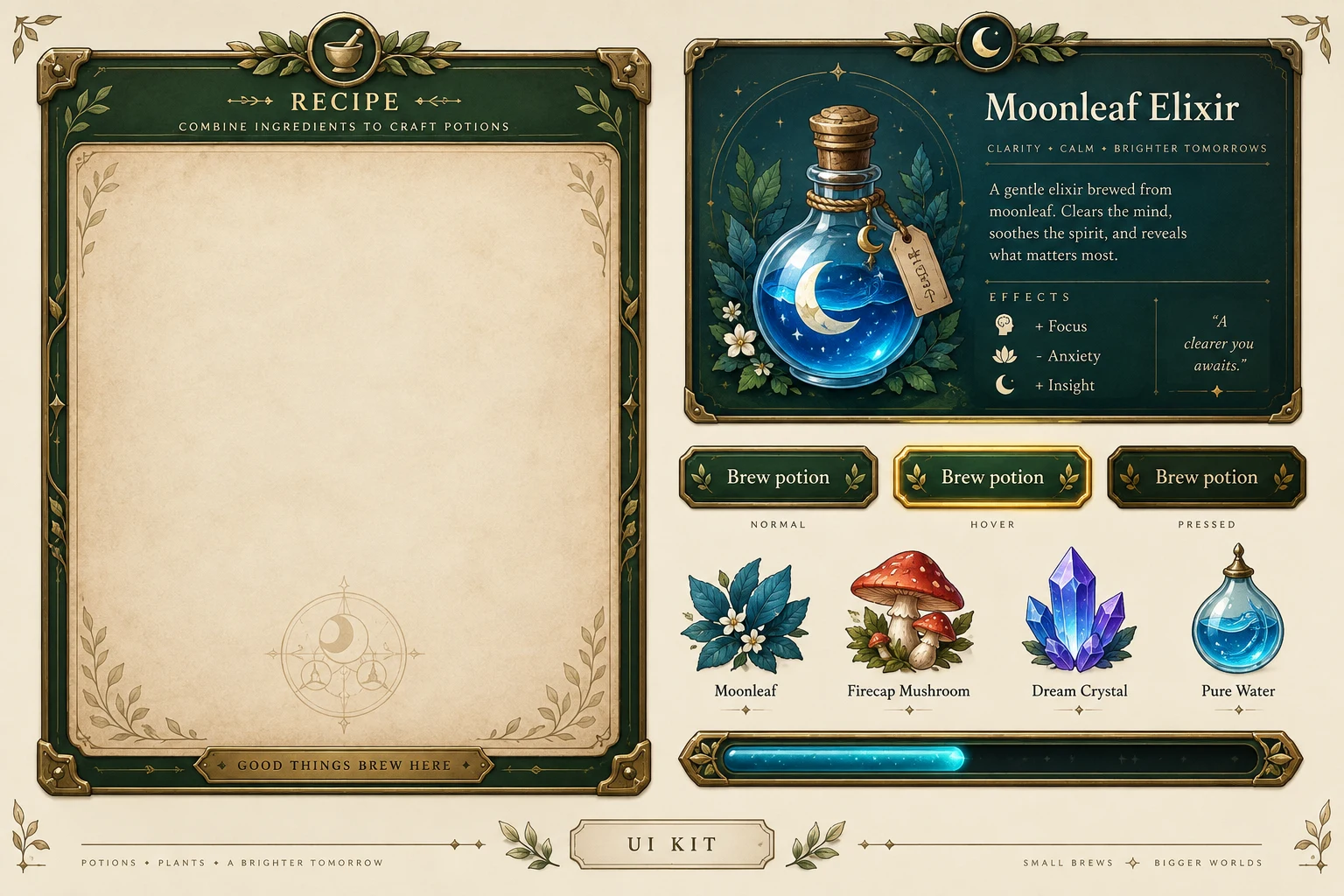
Export your assets and layout data together. Give engineering the UI kit and coordinates to integrate into your game.
AI-generated illustrations of the reference, Compose, and handoff stages.
Look closer. Try it yourself.
01 / Under the artwork
Separate the surface, decoration, and text. Keep control of every piece.
Moonbloom petals
Crystal spring water
A spark of possibility
Animated illustration · Original Compose demo layers
02 / Room to adapt
Drag the corner. The border keeps its shape while the content adapts inside.
Find the moonbloom before the forest falls asleep.
Interactive feature illustration · Try dragging or use the sliders
Inside SliceForge / Recorded in Compose
Follow a real edit through Play mode, click into the connected result screen, and download the UI kit from a local project.
In an Alchemy workshop project, the heading text layer is selected and its font size changes from 42 to 52. Play mode previews the updated screen. Clicking Brew potion opens the connected Potion Ready screen. The editor exits Play, the Layers panel is collapsed, and Export UI Kit downloads a ZIP containing artwork, layout JSON, and nine-slice metadata. This recording uses a local project; exports require your own project rather than the public demo.
Built for the details
Work with named layers, frames, and components. Adjust each piece as the design evolves.
Define hover, pressed, and selected states. Step through your screen flow in Play before handoff.
Export a UI kit and layout JSON for your engine workflow. Your team controls the integration.
Find your visual direction
Explore three directions for your next game. Start with a look, then make it your own.
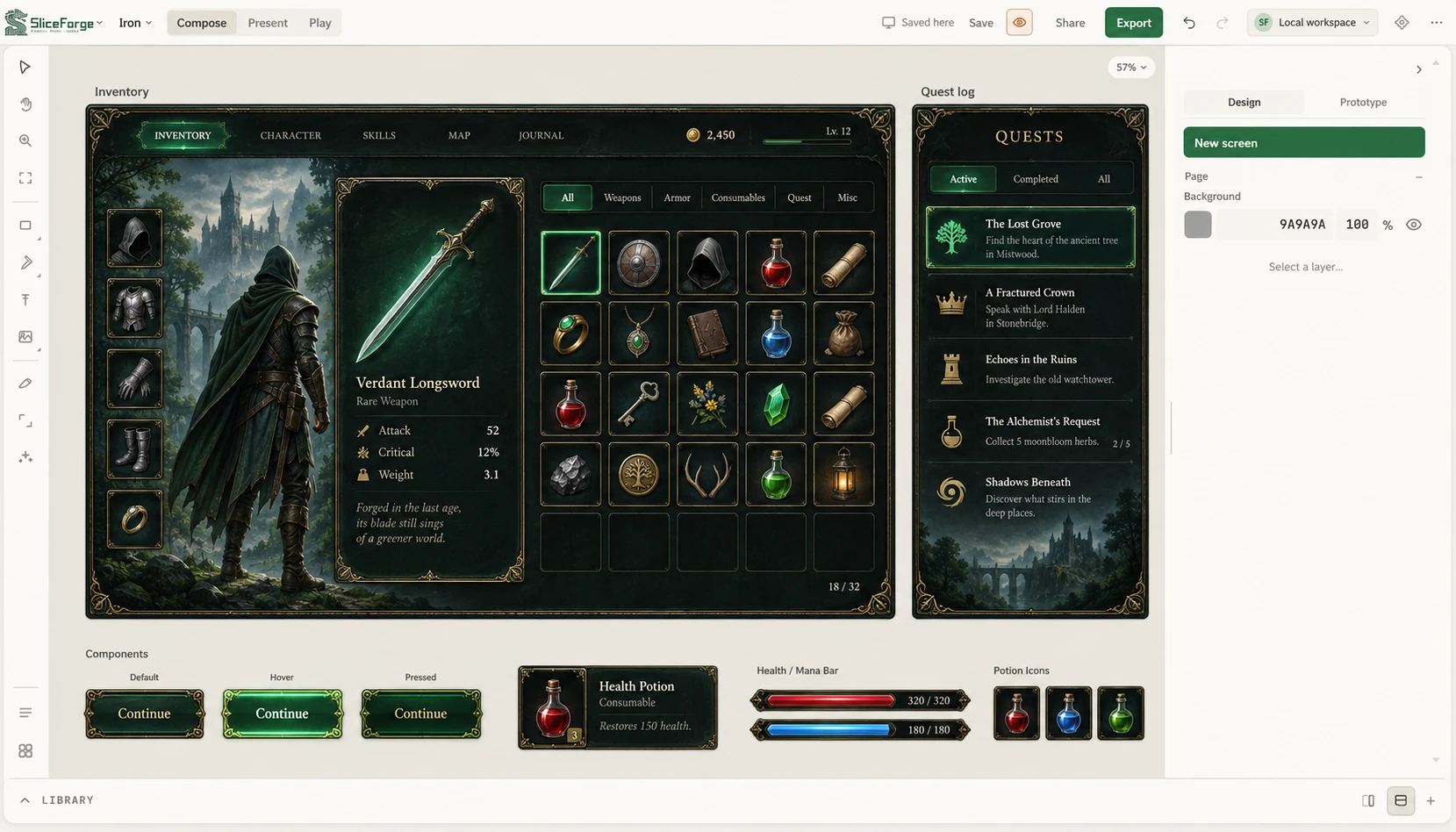
Carved frames, enchanted equipment, and an inventory full of stories.
Inventory / EquipmentOrbital maps, precise readouts, and controls built for the next frontier.
Navigation / Ship HUDWarm textures, friendly rewards, and a quest board that feels like home.
Quests / RewardsAI-generated visual concepts for inspiration.
02 / Design showcase
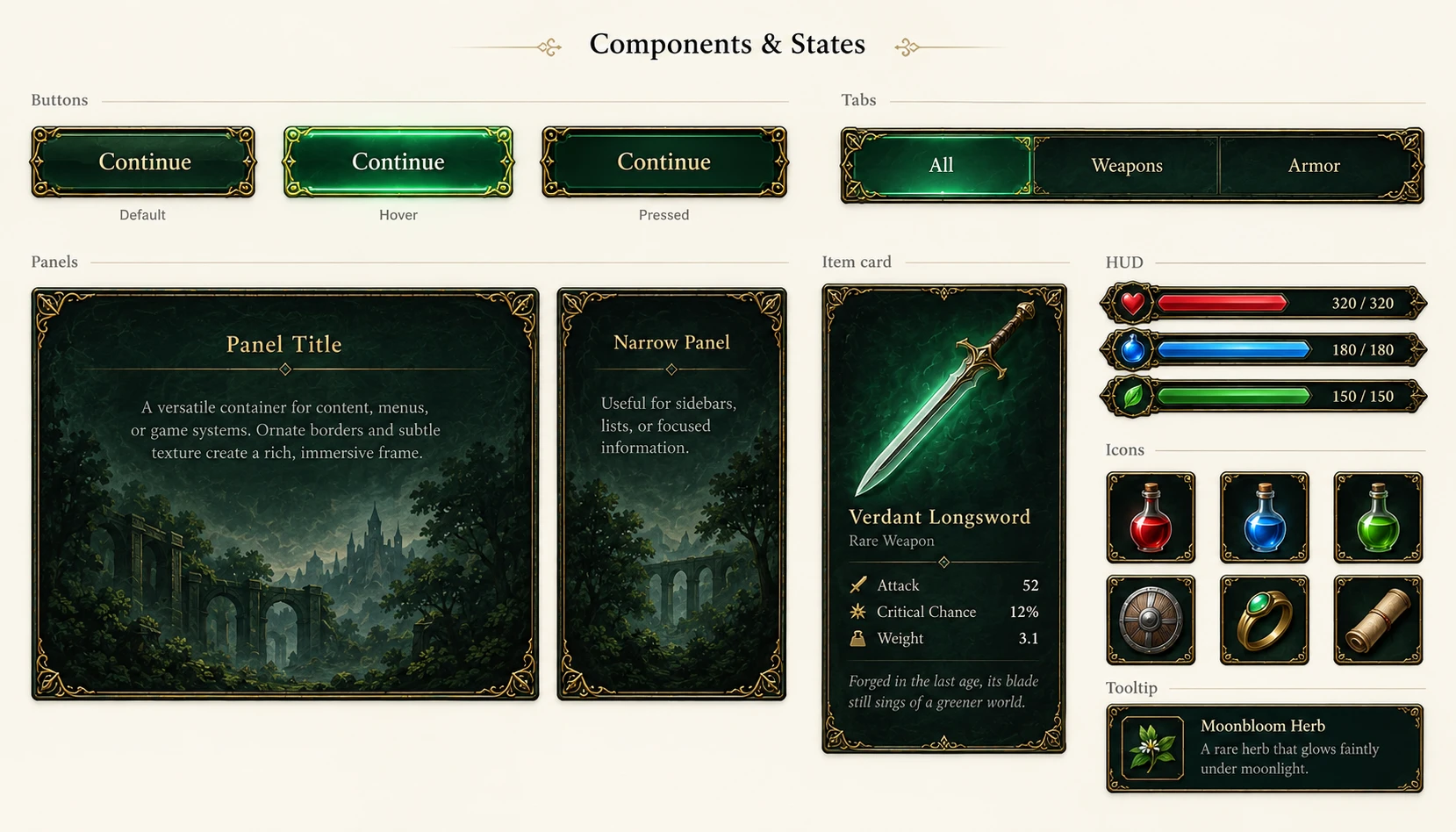
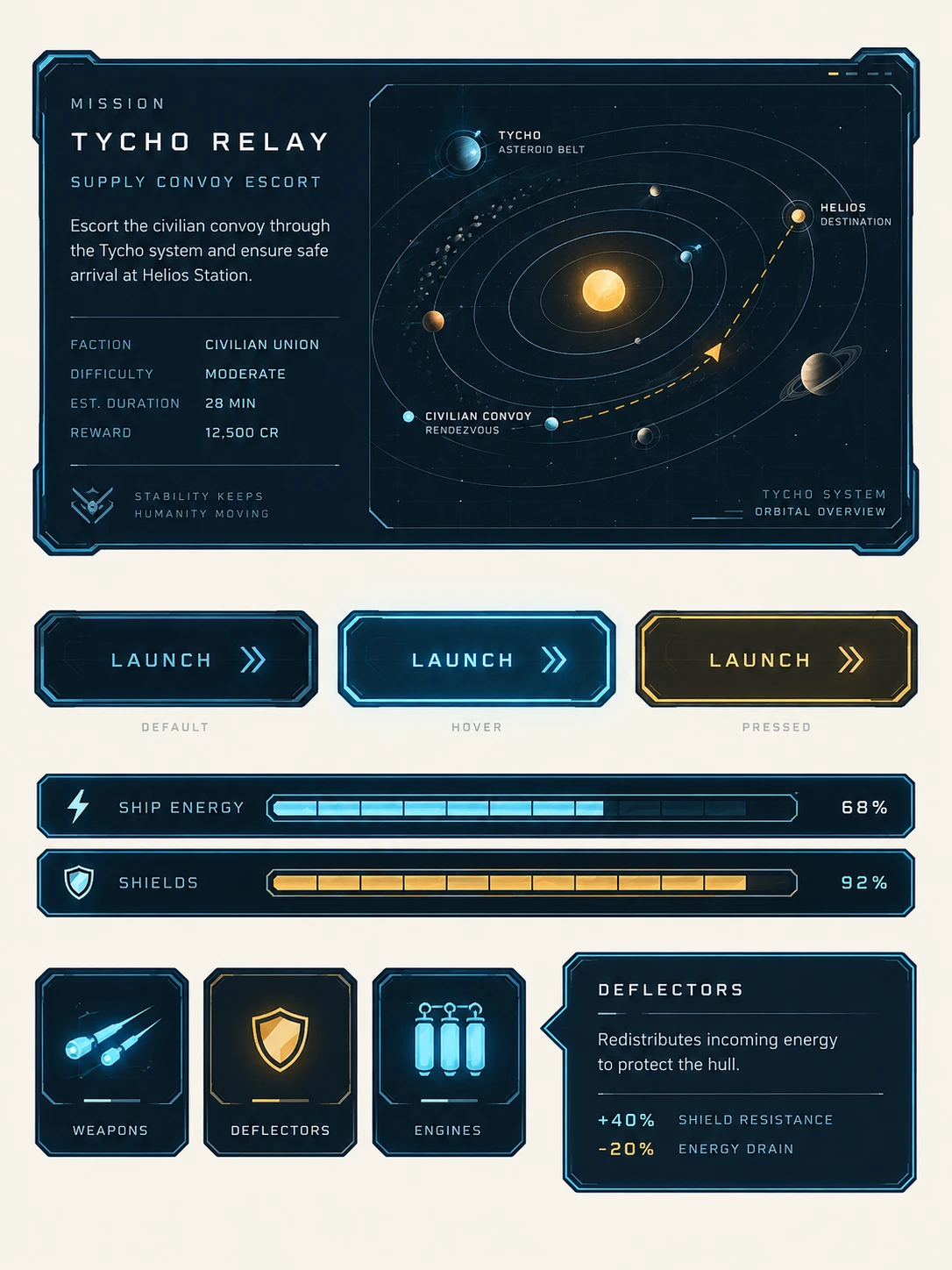
From a complete screen to its smallest controls. Generated sci-fi concepts shown in a Compose workspace and a matching component sheet.
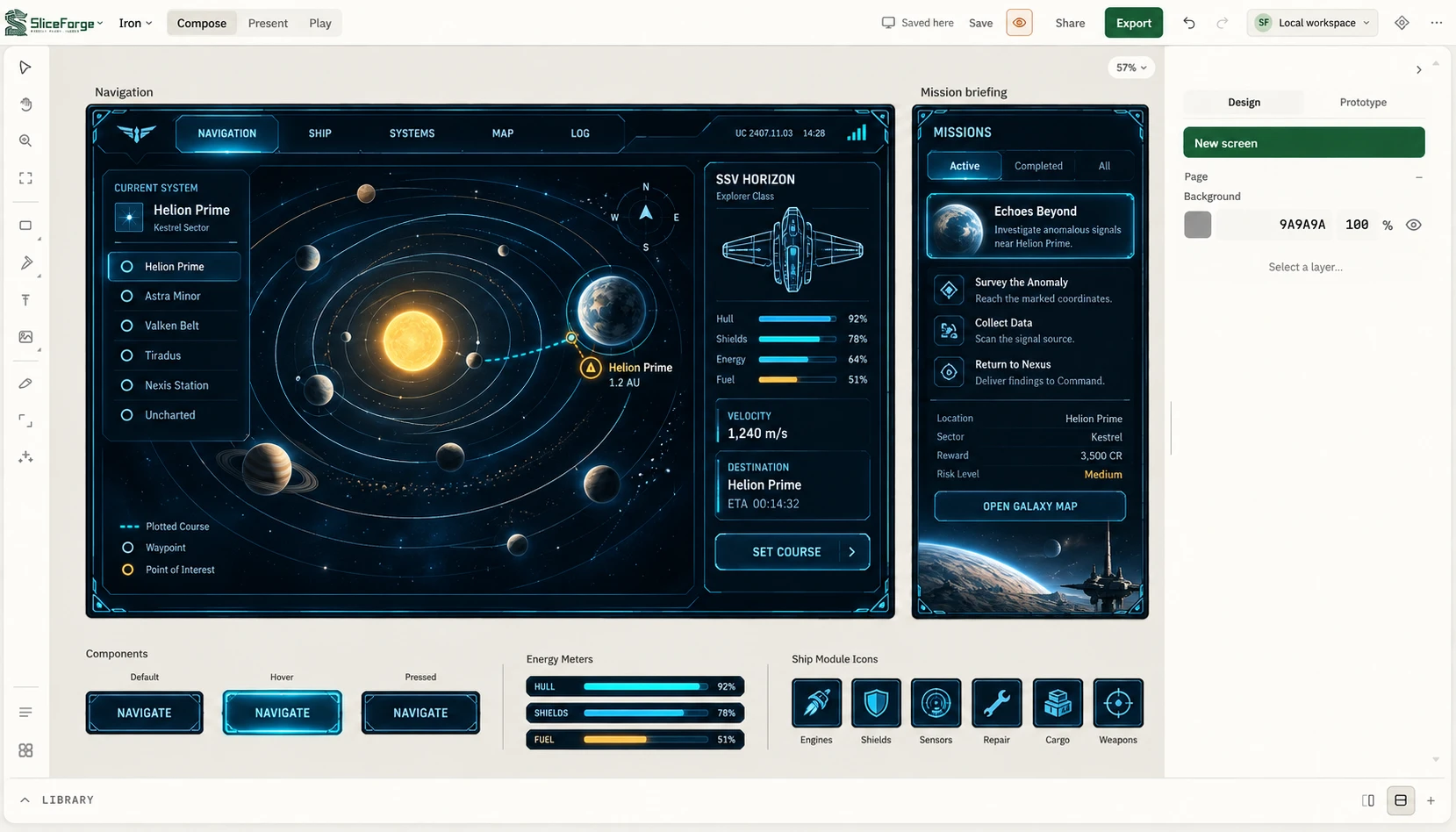 Compose
 Components
03 / Pricing
Explore Compose for free. Choose a plan when you need AI generation and more cloud storage. File exports are free.
Library, Compose editing, and file exports. Credit packs unlock AI without a subscription. Paid plans add monthly credits and expanded cloud storage.
Start freeNeed more credits? Packs start at 500 credits for $15 for subscribers. Studio teams can talk to us about your workflow.
The free plan includes the library, Compose editing, and file exports. Credit packs unlock AI without a subscription. Paid plans add monthly credits and expanded cloud storage.
Yes. Start with an existing asset, mockup, or reference image, then use SliceForge to build and refine your UI around it.
UI kit packages include authored assets and layout data. Use the exported JSON and image assets in your engine integration; your team handles the game logic.
Yes. Compose includes Play mode for stepping through screens and the interactions you have authored.
Your next interface starts here
Bring a reference. Give your game its own visual language.
Start building for freeA little SliceForge, offline
Bold back prints. Little creatures.
A world of detail for your everyday.
Shop and check out on Fourthwall.